
Whether you’re taking up photography for pleasure or profit, retouching is typically a critical part of the process. The art and business of professional photo retouching is a complex topic, but this article will talk about the basics of how to retouch images and why you’d want to do so.

An Overview of Retouching as a Business
If you’re a talented photographer, you can create your own retouching business from the ground up. While photo retouching was much harder to do in the past (and even harder to make a career out of it), modern technology has made the art of retouching accessible to everyone.
A person who’s looking to become a professional retoucher must:
- Decide the type of retoucher they want to be
- Troubleshoot problems when taking photos
- Communicate effectively with clients
- Set realistic expectations for your clients
- Price their services fairly and handle billing
- Learn complicated editing techniques
- Buy the right tools and market their business
As you can see, retouchers are varied and need a lot of skills to be great at their job. If you’re interested in starting a career as a retoucher, you should work on developing them right away.

Why Should You Retouch Photos?
Retouching is a critical part of photo editing that can help turn your photos into something special, unique, or otherworldly. Here are some of the benefits of retouching your photos.
Creates Professional Quality Images
Retouching can help transform a regular photo into something extraordinary. If you’re a small business, you can use retouching techniques to improve the look of your products. If you’re an artist, professional photo editing tools can either sell your services or enhance photo beauty.
Removes Unwanted Elements
No matter how perfect the image may appear, you’ll probably find a few things in the image that you didn’t expect. A perfect example is when you create a new logo, instead of throwing out the picture and starting again, you can use software to quickly and easily remove unwanted elements, refine your photos, or enhance their quality.
Preserves Memories
Photos are windows into our memories and are cherished by many, but sometimes photos can contain elements that distract from the overall effect. Retouching can help preserve memories and remove any unwanted elements that might prevent you from enjoying a treasured memory.
If you want to get into the business of photo retouching because you have a deep interest in photography and you want to make money doing something you love, that’s more than enough.
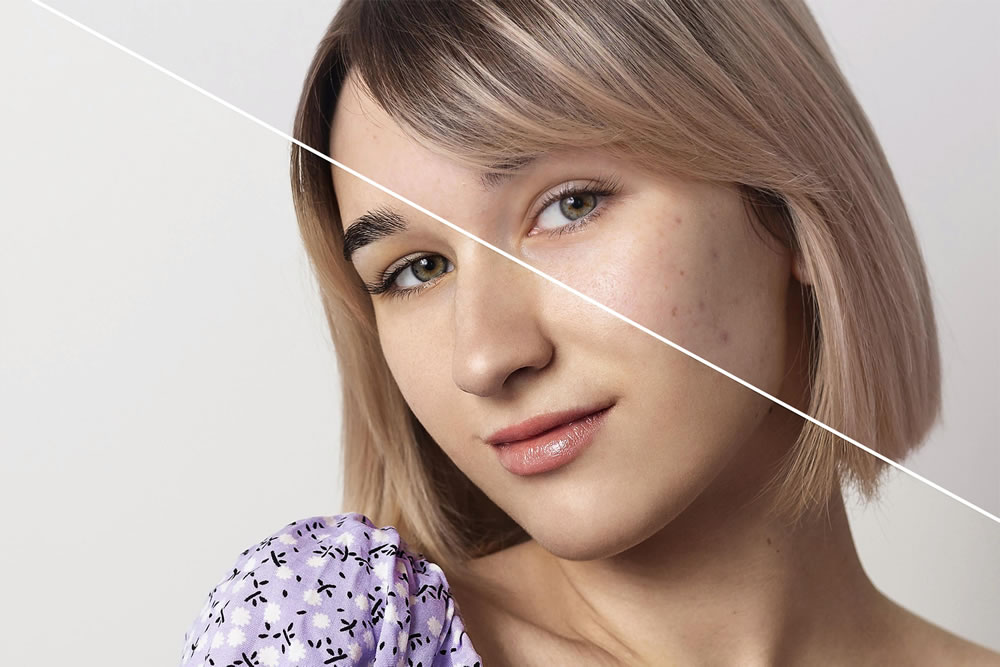
How to Retouch Your Photos
Retouching photos is a great way to bring out the beauty in your art. It can also help you stand out from the competition with professional-looking results. Here’s how to retouch photos.
Choose Your Software
The first step in retouching photos is to choose your software. Most people prefer to use editing programs such as Adobe Photoshop or GIMP. These programs offer features such as cropping, correcting color, adjusting lighting, and more. The right software can make a big difference.
Understand Basic Techniques
Once you’ve chosen your software, it’s essential to understand the basic techniques used to retouch photos. Knowing how to brush, erase, copy, and paste, as well as how to use levels, masks, and blending modes, will help you confidently make and apply the edits you need.
Apply Your Edits
Now you can apply your edits. Depending on the photo you’re retouching, you might need to focus on different things, such as lighting, color saturation, or sharpness. You can also use various effects to add texture or depth to the photos to make them look even more professional.
Save and Export
Once you’ve applied the edits, it’s time to save and export your photos. Make sure you save a copy of the original file in case you need to make any changes later. Also, make sure to save the edited version in the right format, such as JPEG, PNG, HEIC, DNG, GIF, PSD, or TIFF.
Keep Learning
If retouching photos sounds like a worthwhile business venture, you need to make sure you’re always learning and growing. We recommend taking courses that cover the basics of retouching and photography. After all, a well-snapped photo is easier to work with than a low-quality image.
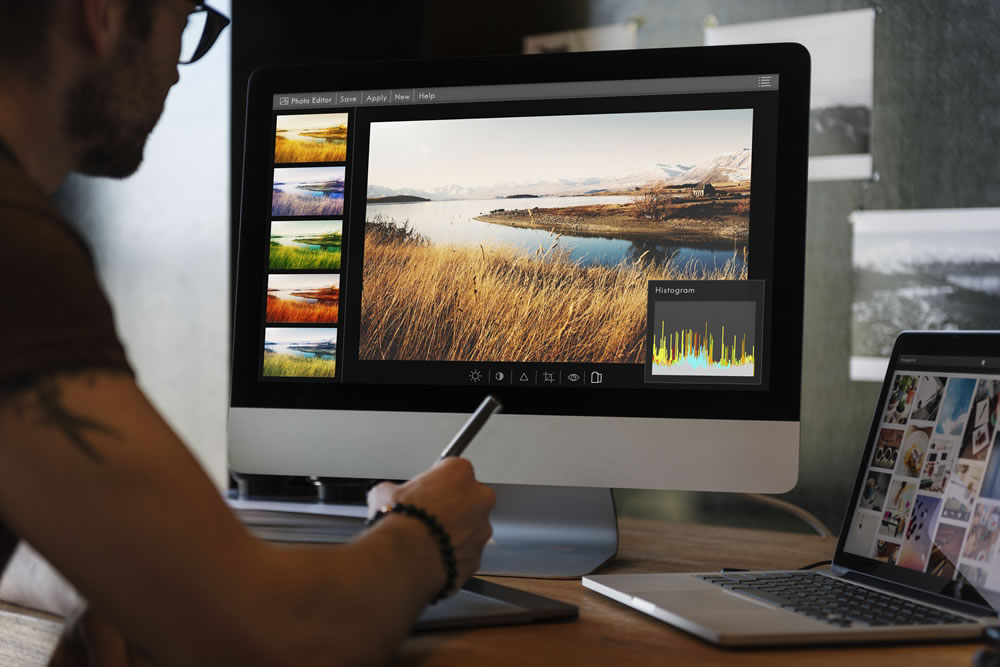
Is Retouching Photos Cheating?
It’s a simple question with no easy answer. In general, retouching photos is a perfectly legitimate way to create stunning images and isn’t usually seen as cheating. From exposure and color correction to cropping and compositing, small changes can make a big difference in an image.
If you’re a photographer who offers retouching as an option, then ask your clients before doing so. Some clients will get offended if you retouch parts of their bodies without permission. Be clear if you can’t edit a photo a certain way, or you could end up with a Photoshop editing fail.
However, there are some retouchers whose whole business relies on larger-than-life edits, and there are others that purposely retouch photos poorly as a joke. As a rule, if you’re honest that the image is edited (if it isn’t immediately obvious), then it’s unlikely other people will care.