• A Photography Blog – Inspirations, Tutorials, Tips, Interviews and Showcases
  • About 121Clicks.com
  • Blog
  • Buying Guide
  • contact us
  • Delete my account from app request
  • DMCA REMOVAL
  • Editorial Policy
  • Learn Photography
  • Newsletter
  • Privacy Policy
  • Terms & Conditions
  • test
121clicks.com
  • Home
  • About
  • Popular
    • Inspirations
    • Showcases
    • Photo Stories
    • Tutorials
    • Art
    • Articles & Reviews
    • Interviews
    • Animals
  • Learn
  • Guides
  • Newsletter
  • Contact
No Result
View All Result
  • Home
  • About
  • Popular
    • Inspirations
    • Showcases
    • Photo Stories
    • Tutorials
    • Art
    • Articles & Reviews
    • Interviews
    • Animals
  • Learn
  • Guides
  • Newsletter
  • Contact
No Result
View All Result
121clicks.com
No Result
View All Result

Make Your Digital Images Look Like Film – Lightroom Tutorial for Beginners

121clicks Team by 121clicks Team
May 16, 2015
in Tutorials
0
Make Your Digital Images Look Like Film – Lightroom Tutorial for Beginners
0
SHARES
69
VIEWS
Share on FacebookShare on Twitter
Follow us on Google News Join WhatsApp Channel Subscribe Newsletter
Written by : 121clicks Team

Know more →

Photographer Kirk Mastin explaining about how to process digital photo look like film using Lightroom. This tutorial will be very useful for any photography beginners. Thaks for watching, please follow Kirk Mastin for more amazing tips.
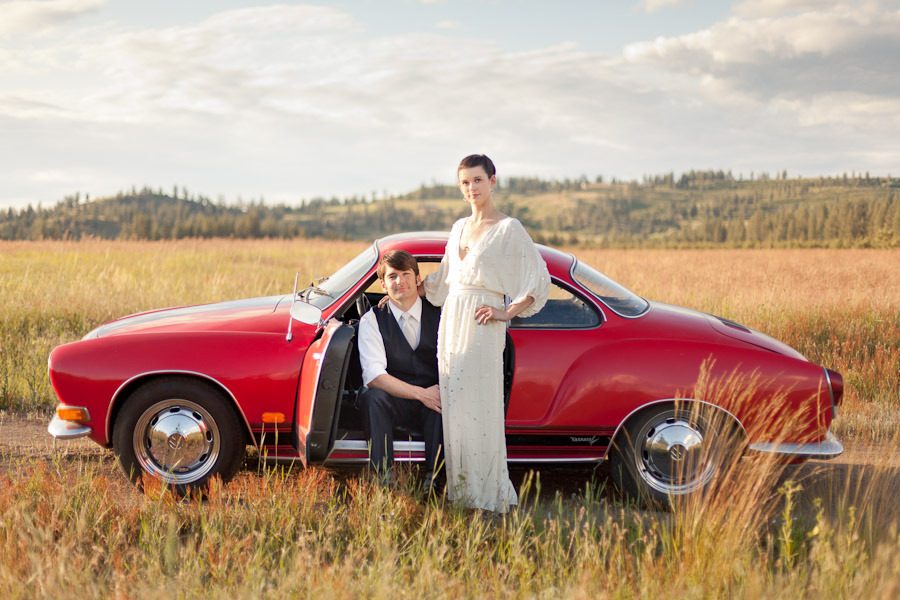
Make Your Digital Images Look Like Film - Lightroom Tutorial for Beginners
© Kirk Mastin

Lightroom How-to: Make your digital images look like film

Kirk Mastin shoot as much film as possible, but sometimes he need to shoot digital images with his Canon 5D MK II. Hi goal with digital images is to have them match as closely as possible my film images. Here is one way he do that.

Key points:

  • Don’t overwork the image
  • Neutral color temperature is the goal
  • Low contrast, low black point: subtle contrast is best
  • Don’t use actions or textures
  • Expose to the right (overexpose) for the original RAW image
  • Unblock and lengthen the tonal range by increasing brightness slider
  • Correct lens distortion with the correct lens profile


More Lightroom Tips and Tutorials:

  • 10 Hidden Gems You Should Know In Lightroom 5
  • Working with Skies Using Graduated Filter in Lightroom 5
  • Post Processing Tips For Street Photography in Lightroom
  • Backlit Portrait Editing in Lightroom 5
  • Digital Photo Retouching: Beauty, Fashion & Portrait Photography EBook By Julia Kuzmenko McKim
Tags: Learning & TutorialsLightroom TutorialsPhotography TechniquesPhotography TipsPhotography TutorialsPhotography Video TutorialsPhotography VideosPhotoshop & Post Processing
Previous Post

Ronya Galka – A Passionate Contemporary Street Photographer From London

Next Post

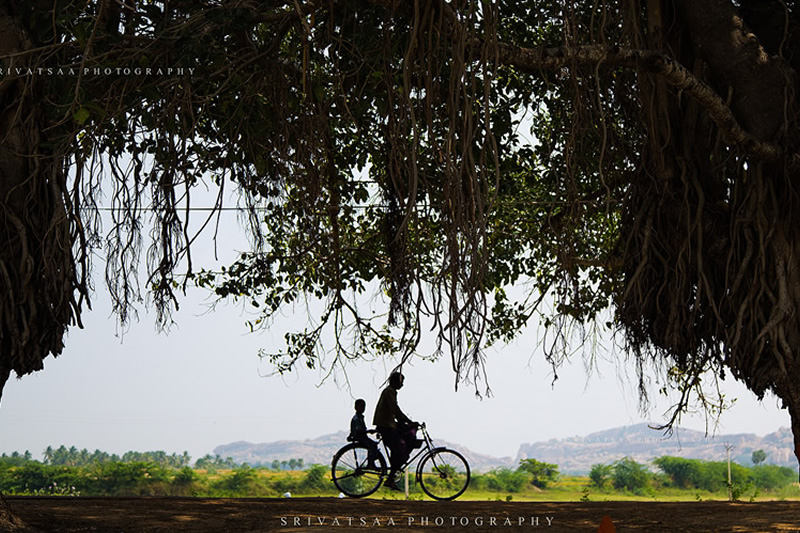
True Essence of India well served in these beautiful photographs by Srivatsan Sankaran

Next Post
True Essence of India well served in these beautiful photographs by Srivatsan Sankaran

True Essence of India well served in these beautiful photographs by Srivatsan Sankaran

Other Categories

  • Animals
  • Art
  • Articles & Reviews
  • Design
  • Funny
  • Interviews
  • Tutorials
  • About Us
  • DMCA REMOVAL
  • Privacy Policy
  • Terms & Conditions
  • Gemini Prompts

© 2026 JNews - Premium WordPress news & magazine theme by Jegtheme.

No Result
View All Result
  • Home
  • About
  • Popular
    • Inspirations
    • Showcases
    • Photo Stories
    • Tutorials
    • Art
    • Articles & Reviews
    • Interviews
    • Animals
  • Learn
  • Guides
  • Newsletter
  • Contact

© 2026 JNews - Premium WordPress news & magazine theme by Jegtheme.